
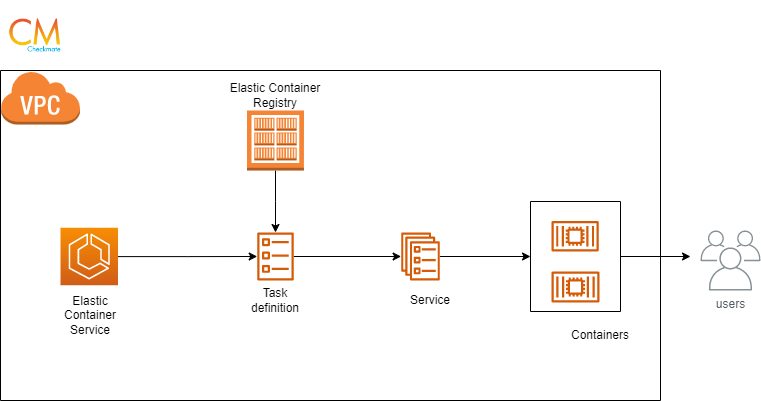
Amazon Elastic Container Service(ECS) is a container management service provided by AWS using which you can run, stop and manage containers on a cluster. We define our containers with task definitions and run the tasks within a service.
In this blog, we will deploy a web application on ECS. The container image of the application is on the Amazon Elastic container registry.
To deploy the application on ECS follow the below steps:
Step1: Create an IAM role for ECS
- Go to the IAM console and click Create role.
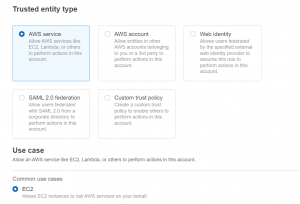
- Select AWS service as the trusted entity type and EC2 as use case.
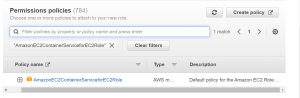
- Click Next, search AmazonEC2ContainerServiceforEC2Role in the search bar, and select the policy.
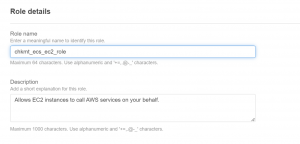
- Give name, review, and click Create role.
Step2: Create an ECS cluster
- Go to the ECS dashboard and click Create cluster.
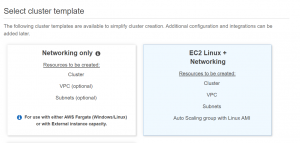
- Select EC2 Linux + Networking cluster template.
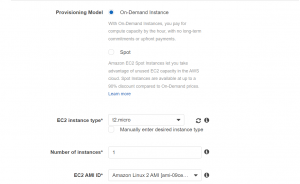
- Next, select the instance type and the number of instances, volume size, and key pair.
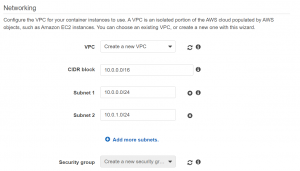
- Select or create a VPC.
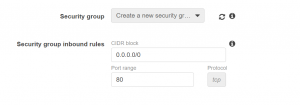
- Select the IAM role that we created for container instance IAM role.
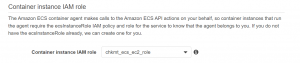
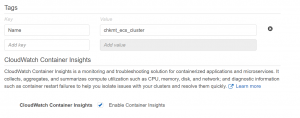
- Give tags and enable container insights and click Create.
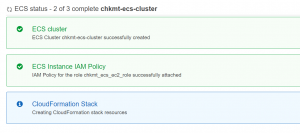
Step3: Create task definition and service
- Select task definition from the navigation pane on left and click create task definition.
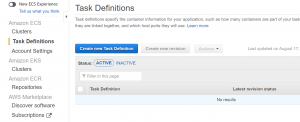
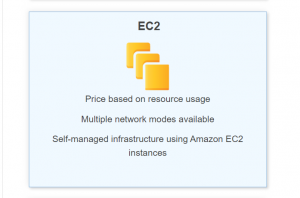
- Select EC2 as launch type.
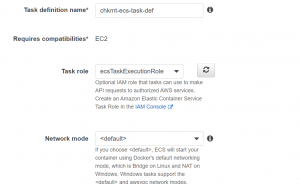
- Give a name and select ecsTaskExecutionRole as the task role and task execution role. If this role is not there, go to the IAM console and create with AmazonECSTaskExecutionPolicy attached to it.
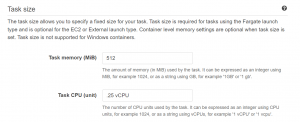
- Select Task memory and CPU according to application.
- Click Add Container.
- Add the container image link.
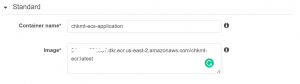
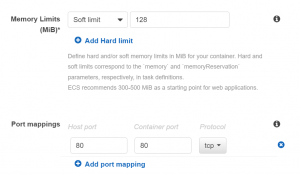
- Click Add and then create task definition.
- Next, go to Cluster and click Create service.
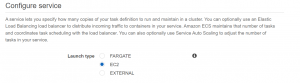
- Select service name and number of tasks.
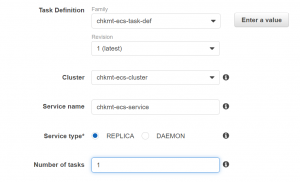
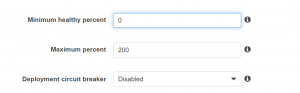
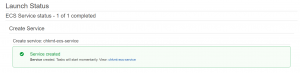
- Click Next, review and click create service.
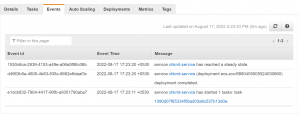
- Check Events to see if it worked properly.
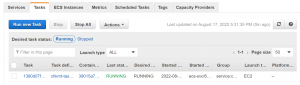
- In the tasks, select the container.
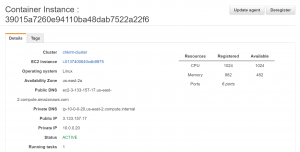
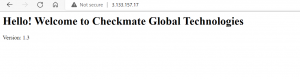
- Access the application with container public IP.
- Go to the browser and access your application.
Please contact our technical consultants if you have anything related to cloud infrastructure to be discussed.
